

Offers Grid Component
The Offers Grid component displays a collection of offer cards with various layout options and filtering capabilities.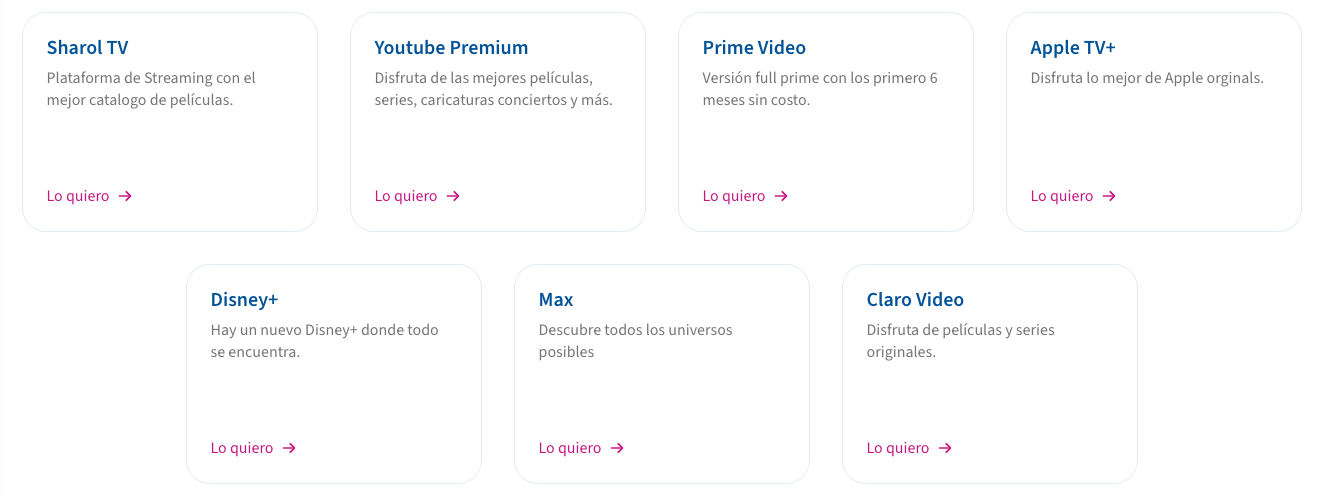
Integration
Query Parameters
| Parameter | Description | Example |
|---|---|---|
| cardType | Visual style of cards (text, hero, squared, features, topup) | cardType=features |
| page | Page number for pagination | page=1 |
| pageSize | Number of items per page | pageSize=12 |
| productId | Filter offers by product ID | productId=123 |
| salesChannelId | Filter by sales channel | salesChannelId=456 |
| billingType | Filter by billing type (PREPAID/POSTPAID) | billingType=PREPAID |
| name | Filter by offer name | name=Premium |
| metadata | Filter by metadata fields | metadata.key=value |
| orderBy | Field to sort by (createdAt/name) | orderBy=createdAt |
| order | Sort direction (ASC/DESC) | order=desc |
Card Types
The component supports different card layouts through thecardType parameter:
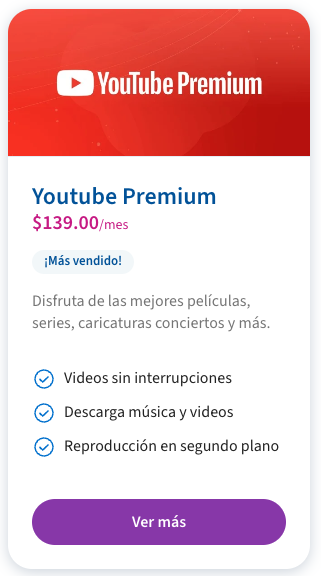
- default: Standard detailed card with hero, title, description, price, and features
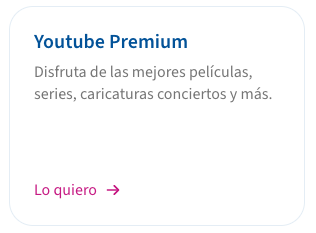
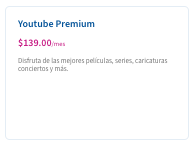
- text: Simple text-based card with title and description
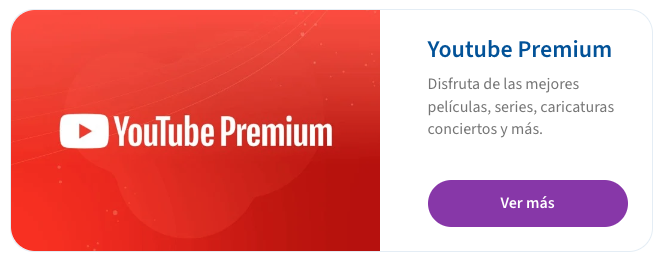
- hero: Large card with prominent image
- squared: Compact square card with image
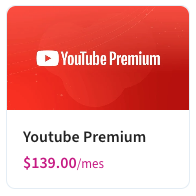
- features: Detailed card with feature list
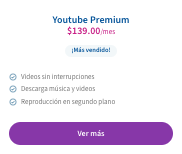
- topup: Special card for top-up offers
Single Offer Card Component
Displays a single offer card using base64 encoded offer data.Integration
Offer Object Structure
The offer object should follow this structure before base64 encoding:Product Page Component
Displays a complete product page with details and associated offers.Integration
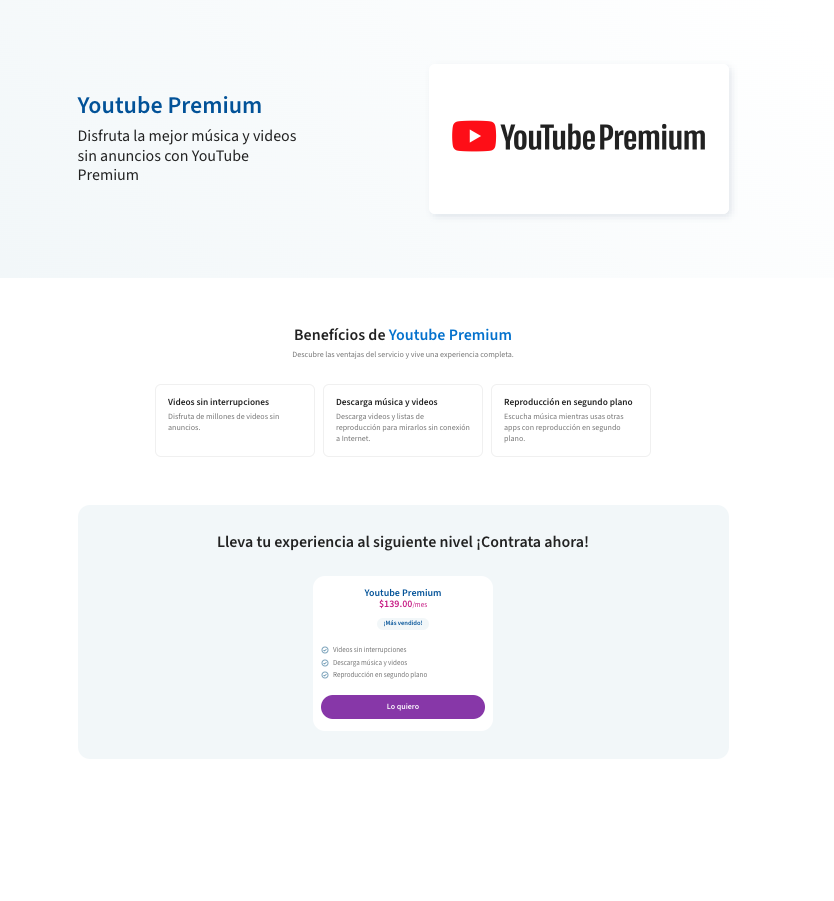
- Product Hero - Displays main product information
- Product Features - Lists product features
- Product Offers - Shows associated offers
Checkout Component
The Checkout component provides a complete purchase flow for offers. It can be integrated into any web application and maintains communication with the parent window for dynamic height adjustment.Integration
Component Flow
The checkout process consists of three main states:- Initial verification (required only when user is not logged in)
- Order confirmation
- Success message
Summary View
The summary view displays the offer details and purchase confirmation: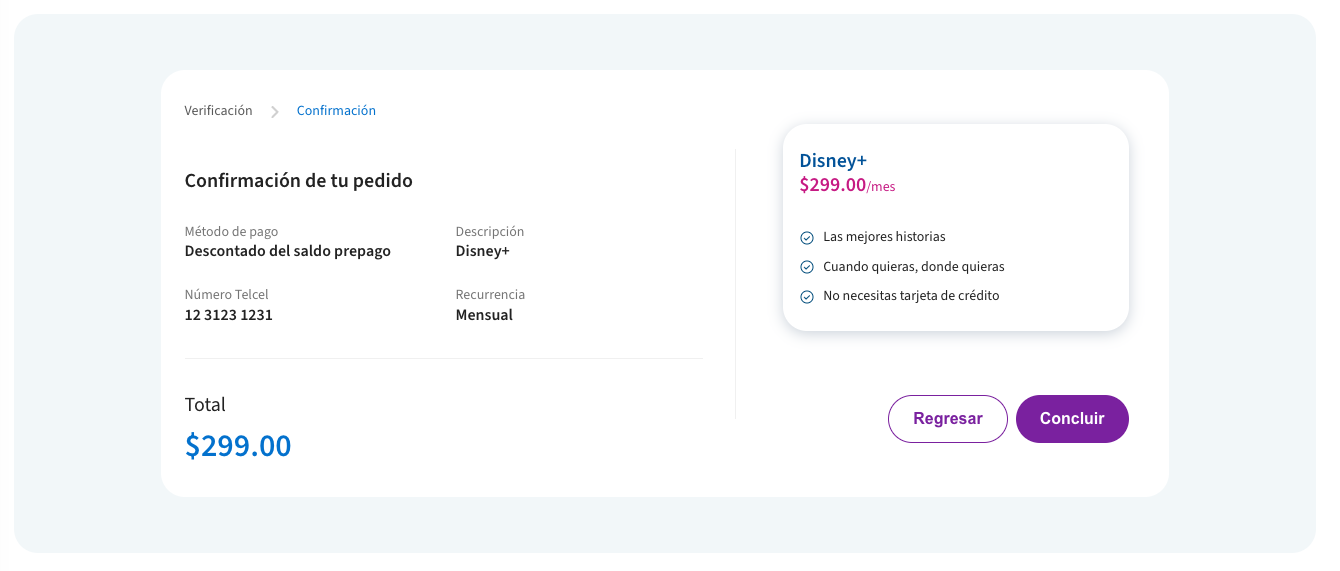
Success View
After successful purchase, the component displays a confirmation message:
Offer Display in Checkout
The checkout component uses two specialized card types for displaying offer details:Integration with Offers
The checkout component can be accessed in several ways:- From Offer Cards: When users click the CTA button on any offer card, they are directed to the checkout flow for that specific offer.
-
Direct URL: Using the offer ID in the URL:
/offers/checkout/{offerId} - From Product Pages: When browsing product offers, the CTA buttons link to the checkout component.
Dynamic Height Adjustment
All components emit apostMessage event containing the scroll height. This allows for dynamic iframe height adjustment to prevent unwanted scrollbars.
- Initial load
- State changes
- Content updates
- Error messages display